Features
Everything you need to host websites, in one panel.
Every feature is included in every plan, the free one too.
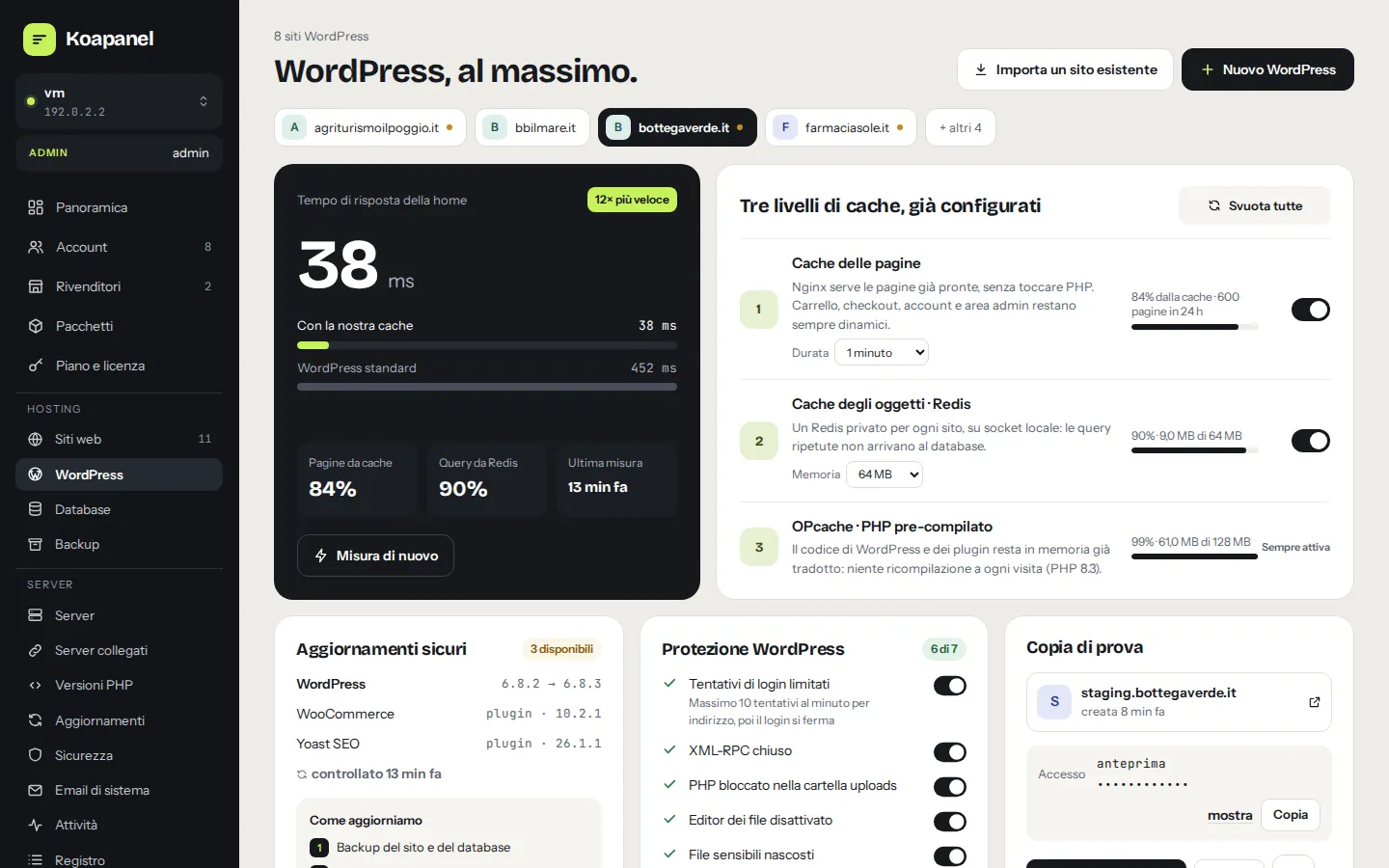
- One-click installDedicated database, fresh keys, permalinks, WP-Cron on system cron, final check.
- nginx page cacheSafe exclusions for WooCommerce (cart, checkout, account), logged-in users, admin, REST API.
- Private Redis per siteLocal socket, no network port, capped memory, Object Cache plugin installed.
- OPcacheHit rate and memory read directly from PHP-FPM.
- Speed measurementHome page response time with and without cache, with history.
- Safe updatesBackup, update, official checksums, home page check and automatic rollback if something goes wrong.
- Nightly automatic updatesOff, security and minor only, or everything: always with the same safe procedure.
- Staging copyPassword-protected, not indexed, publishable to production (files, database or both).
- HardeningLogin rate limit, fail2ban, XML-RPC closed, PHP blocked in uploads, file editor off, sensitive files hidden, nightly integrity check.
- ToolsPassword-less wp-admin (single-use link), safe search & replace, WP-CLI in the browser, debug and maintenance mode.
- ImportBring a WordPress from another host by uploading the files archive and database dump.
Sites and PHP
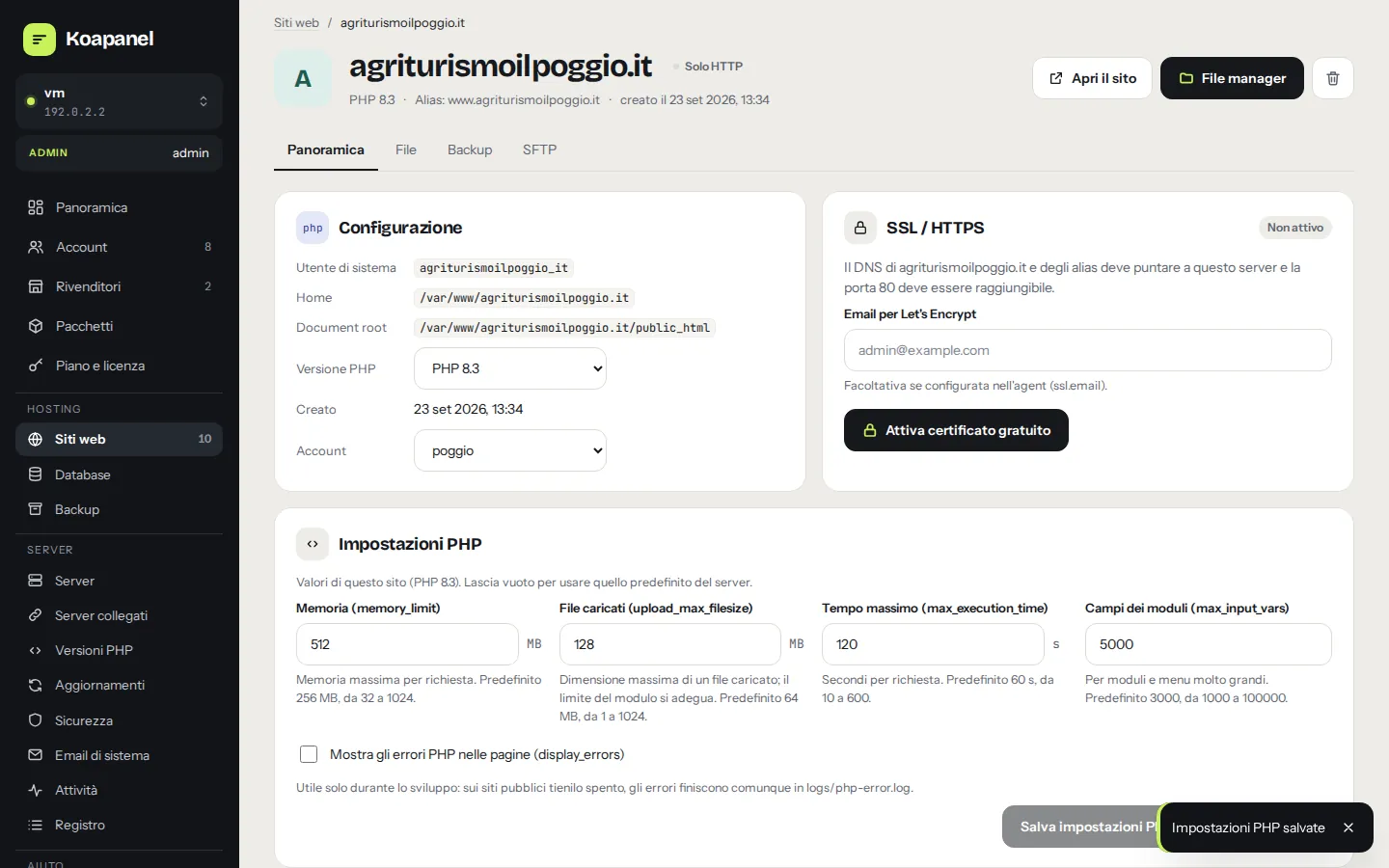
Every site isolated in its own Linux user, with the PHP version you prefer.
In the manual- Per-site isolationLinux user, PHP-FPM pool,
open_basedir, private tmp and sessions for every site. - PHP 7.4 to 8.5Several versions on one server, installed from the panel; each site picks its own.
- Per-site PHP settingsMemory, uploads, max execution time, input vars and errors, verified with automatic rollback.
- Verified configurationEvery change goes through
nginx -tandphp-fpm -t: if it fails, the previous config comes back. - Domains and aliasesSite aliases, Let's Encrypt HTTPS with DNS precheck and automatic renewal.
- Background jobsCertificates, backups, installs: visible progress, keep working meanwhile.
Accounts, resellers and white label
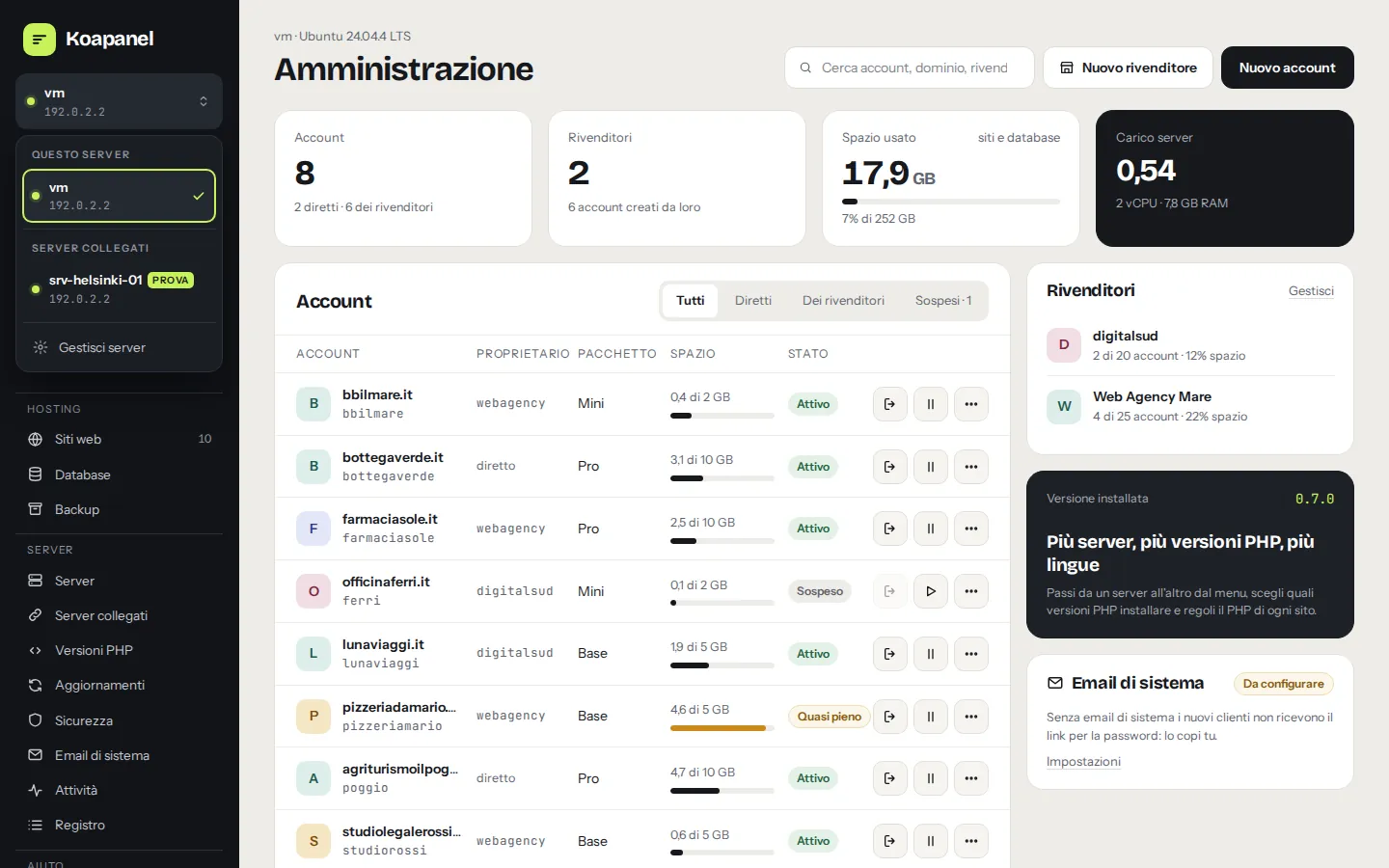
Three levels like WHM and cPanel: administrator, reseller, user. In one interface.
In the manual- Resellers with quotasMax accounts, assignable space and max sites for each reseller.
- PackagesLimits for sites, space, databases and allowed PHP versions, global or per reseller.
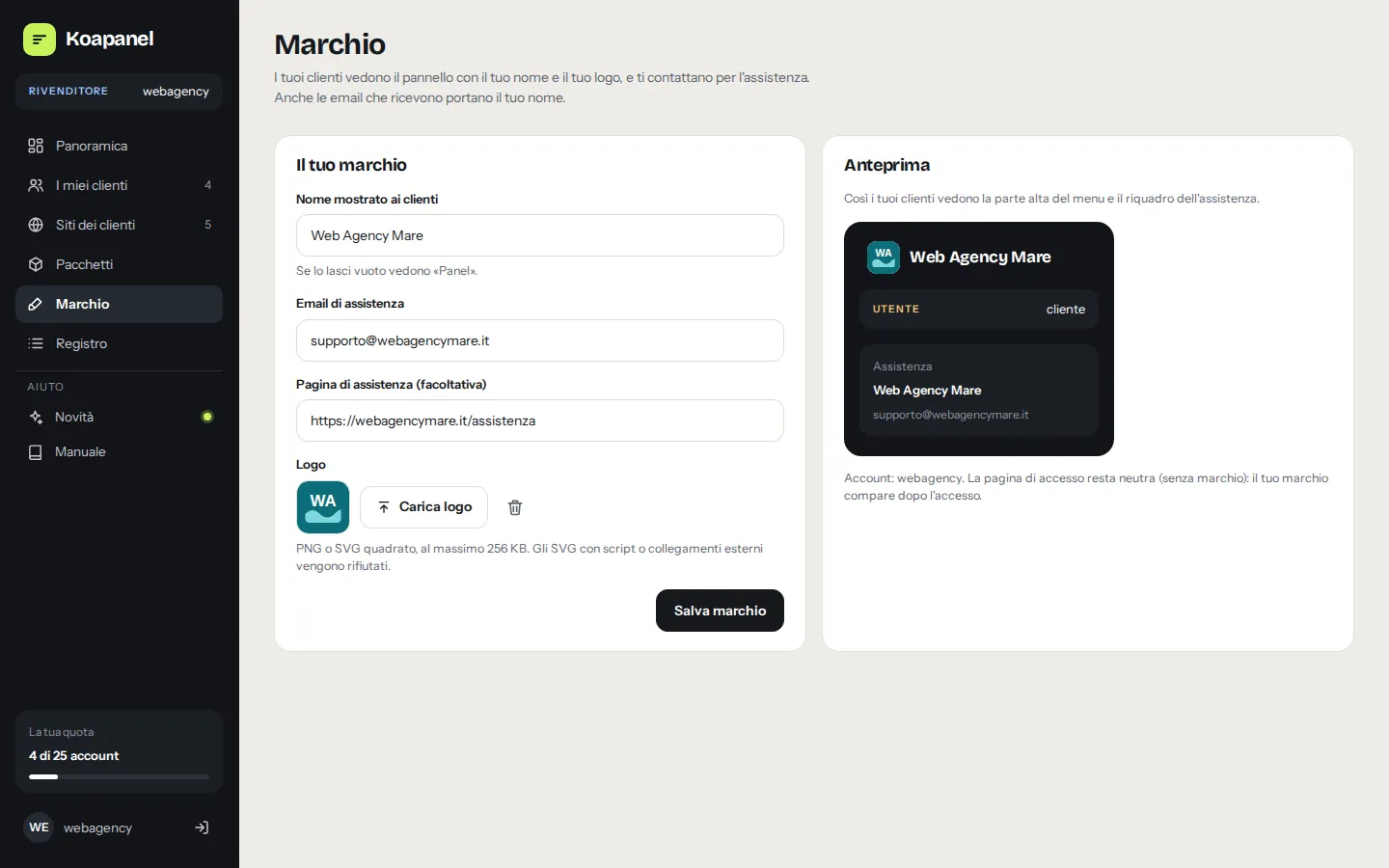
- Reseller brandingName, logo and support contacts seen by their customers, emails included.
- Upgrade linkResellers set their shop link: customers never see Koapanel's plans.
- Log in asHelp a customer by entering their panel, with a log of who did it.
- SuspensionSuspend and reactivate an account without deleting anything.
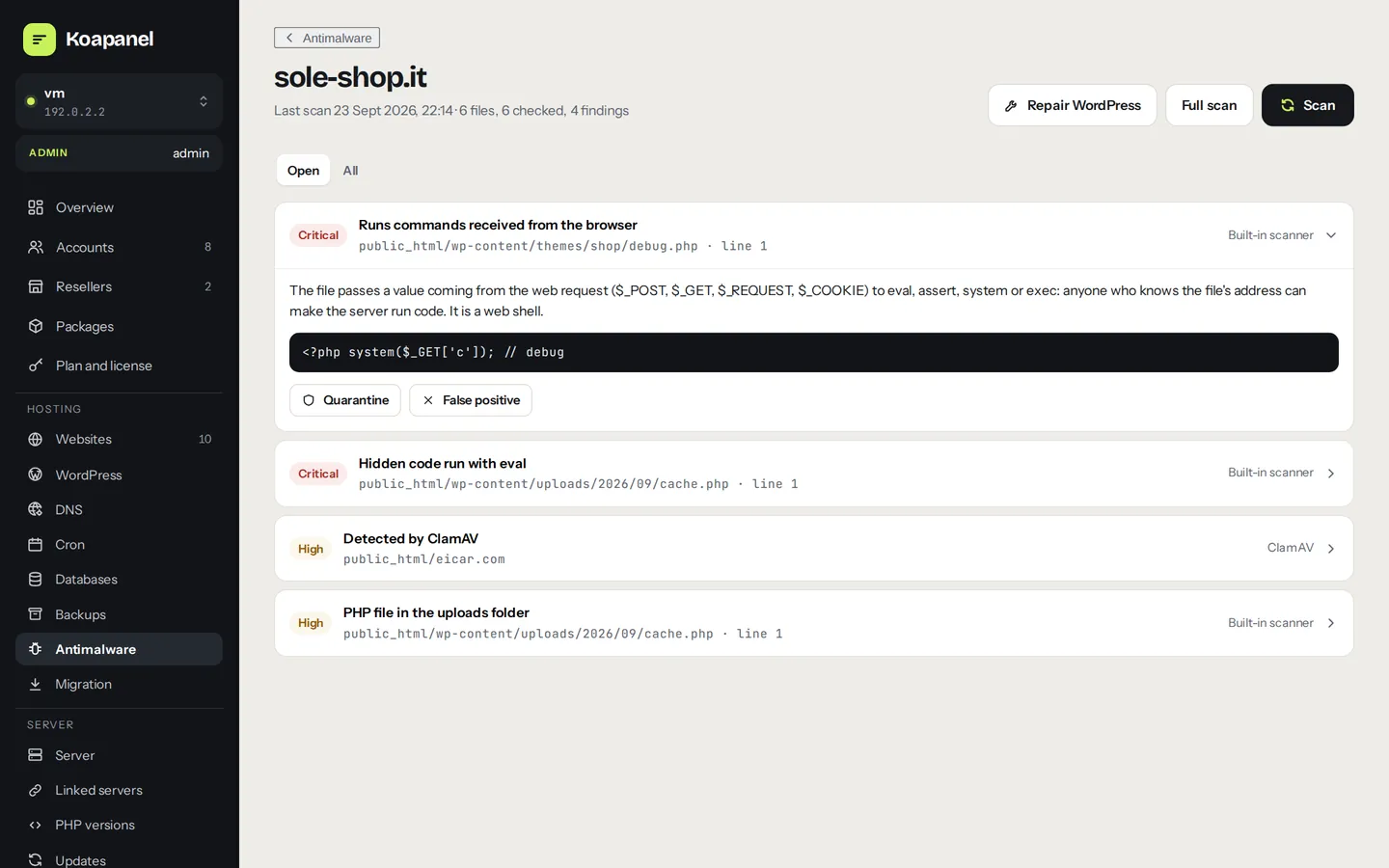
- Built-in antimalwareWeb shells, obfuscated code, PHP in images and uploads, suspicious cron. Conservative rules against false positives.
- ClamAVDaemon, on demand or off depending on server RAM.
- WordPress integrityCore and plugins compared with official files; repair WordPress without touching
wp-content. - Reversible quarantineNothing is deleted automatically: quarantine, restore, false positive.
- Firewall and fail2banufw with SSH anti-lockout protection, blocked addresses visible and unblockable.
- Encrypted credentialsS3 keys, DNS tokens and relay passwords encrypted on the server (AES-256-GCM).
- restic to S3 or local diskAWS, Wasabi, Backblaze B2, MinIO or any S3-compatible storage.
- Scheduled with retentionDaily backup at the time you choose, with daily, weekly and monthly retention.
- Selective restoreFiles, database or both, from any snapshot.
- AlertsEmail to admins if a backup fails.
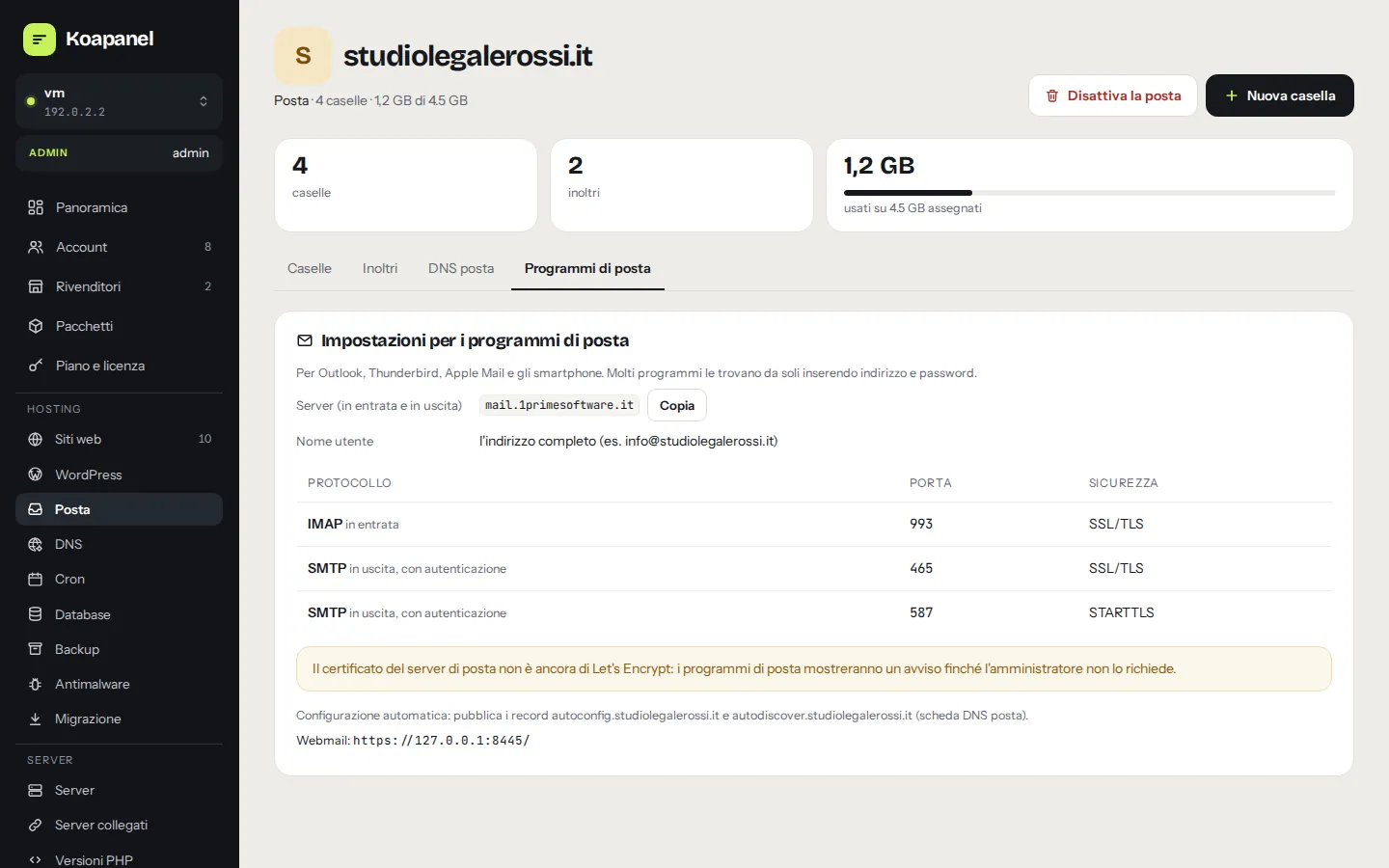
- Mailboxes, aliases and forwardersWith per-mailbox quota and autoresponder.
- Antispam and DKIMRspamd with 2048-bit DKIM signing per domain.
- One-click webmailOpens from the panel already signed in, with the panel's branding.
- Pre-flight checksPort 25, reverse DNS, hostname, blocklists and memory, explained plainly.
- SMTP relayFor providers that block port 25 (Brevo, Mailgun, Amazon SES…).
- Mailbox migrationFrom cPanel with messages and original passwords.
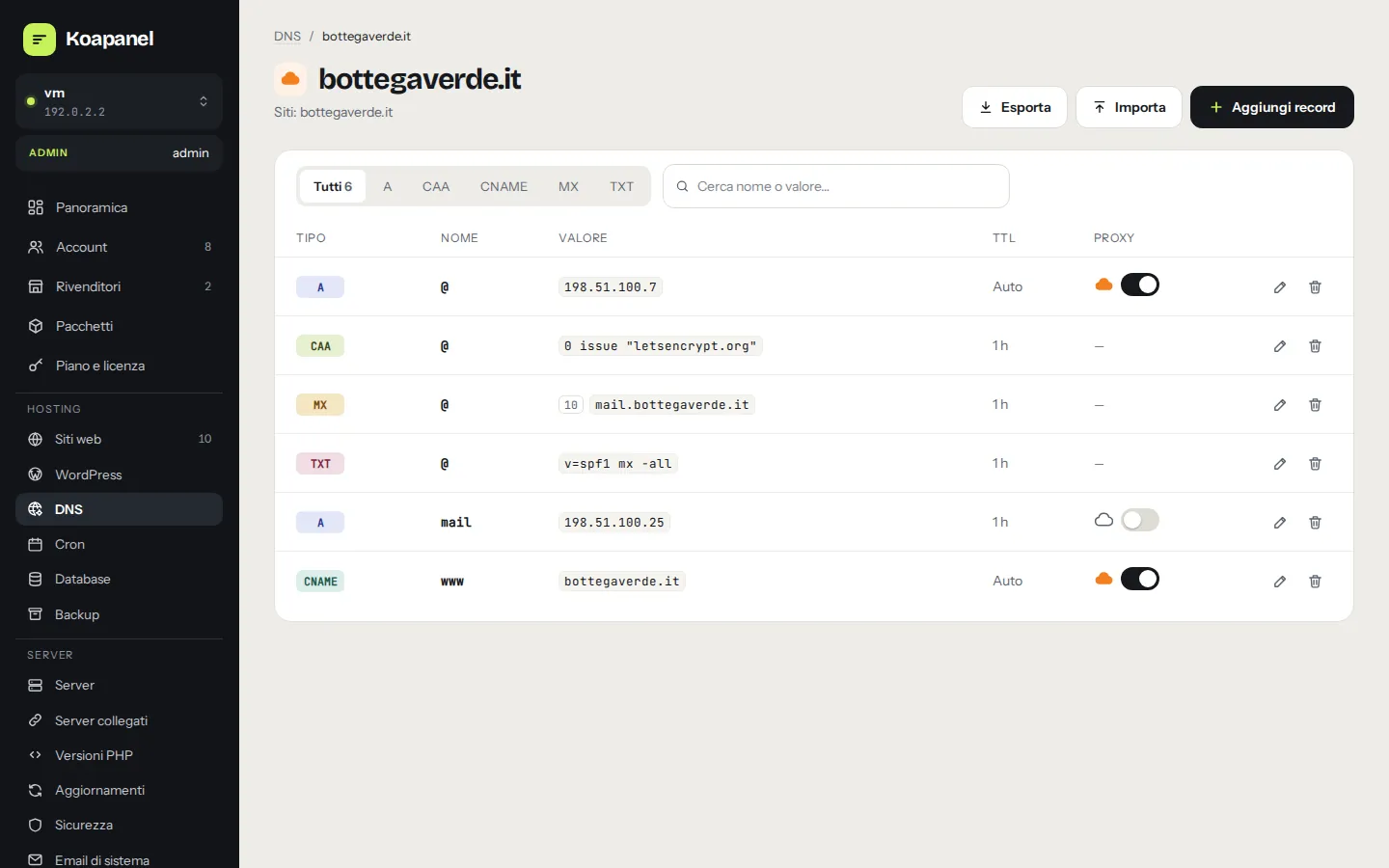
- DNS recordsA, AAAA, CNAME, MX, TXT, CAA… with import and export.
- Point to serverShows what changes before applying: never automatic.
- Least-privilege tokensCloudflare token verified and stored encrypted.
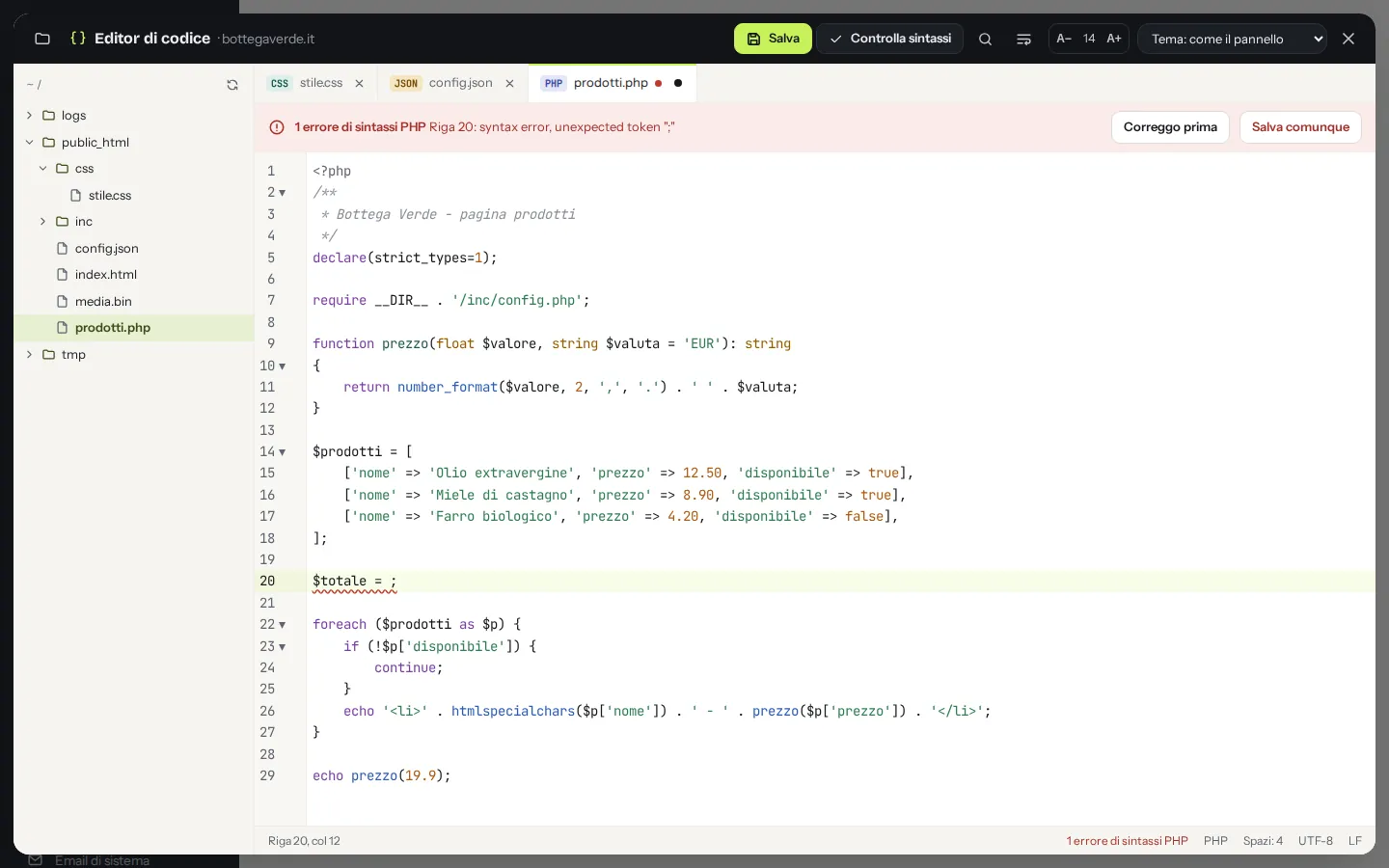
- File managerUpload, download, create, rename and delete, confined to the site folder.
- Code editorHighlighting, syntax checks and a warning if the file changed meanwhile.
- Chrooted SFTPPassword or SSH keys, locked in the site folder, no shell.
- MariaDB + phpMyAdminDatabases and users per site, phpMyAdmin with single sign-on.
- CronSchedule builder, next run, result and output of the last one.
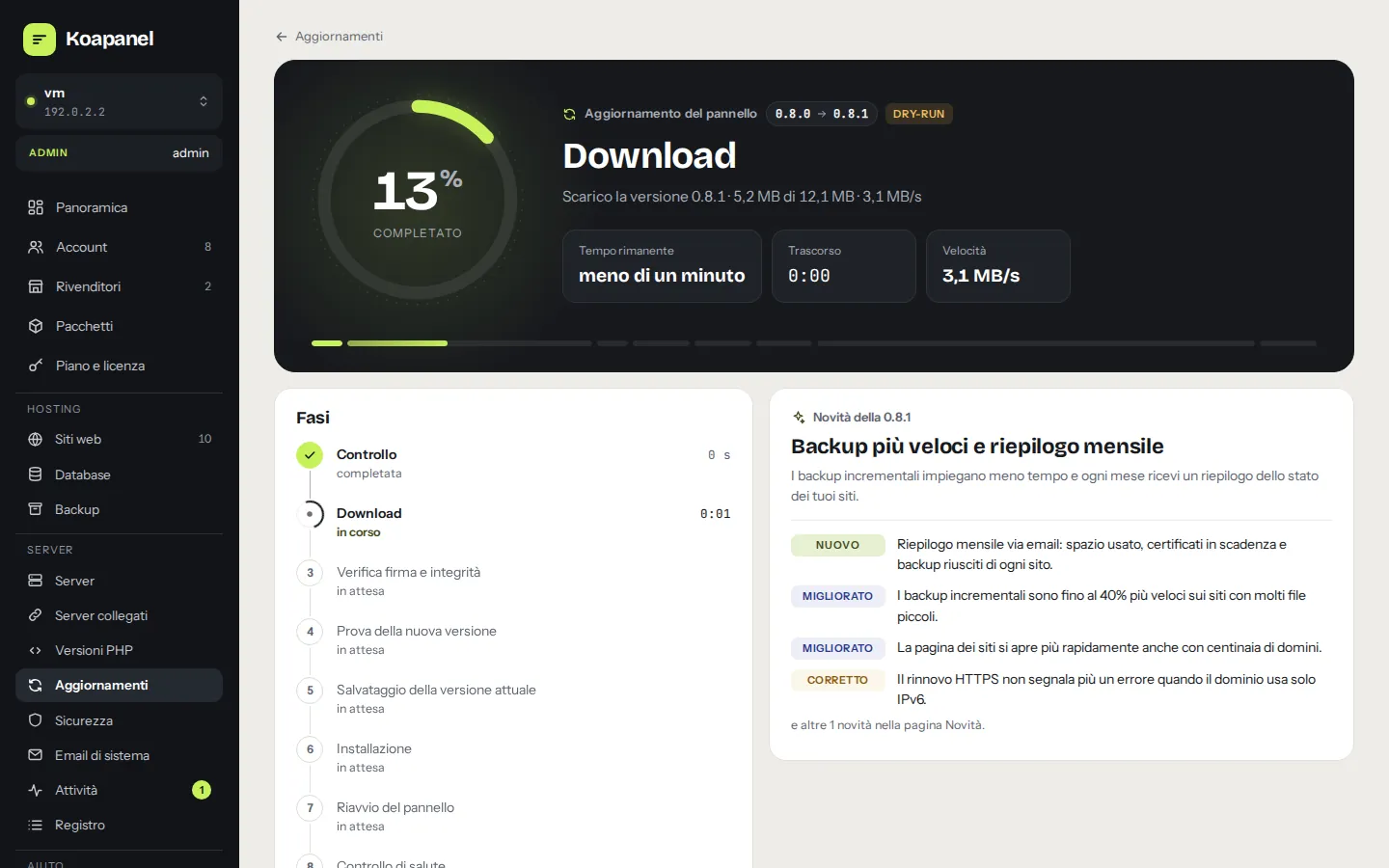
- Signed and verifiedDigital signature and checksum verified before installing.
- Automatic rollbackIf the new version doesn't respond within a minute, the previous one comes back.
- Automatic, notify or manualWith a time window of your choice.
- Ubuntu updatesPending packages, security, reboot required; automatic security updates on by default.
- Linked serversSwitch servers already signed in with a single-use ticket.
- MigrationFrom cPanel, Plesk, DirectAdmin or Linux: backup file or SSH.
- Italian and EnglishLanguage per user, emails included.
- Built-in supportSupport requests right from the panel.
- System emailsAlerts on certificates, backups, disk, passwords and new versions.
- REST APIVersioned, with named tokens, for automation.
Your next server deserves a better panel.
Free up to 3 websites for personal use. When you grow, pick the right plan: every feature is included in every plan.